Stop Juggling Tools.
Start Getting Things Done.
A task manager built for solo Mac users who are tired of complex team tools. Organize projects, track deadlines, and finally feel in control of your work.

Available on Mac, iPhone, and iPad • Free plan available • No credit card required
Works the Way You Work on Mac
You have tried Notion. Todoist. Maybe even Asana. They are all built for teams—with features you will never use and complexity you do not need.
Solocrafter is different. Built specifically for solo professionals on Mac.
- Quick capture from your menu bar when ideas strike
- Keyboard shortcuts for power users who hate clicking
- Syncs with iPhone when you step away from your desk
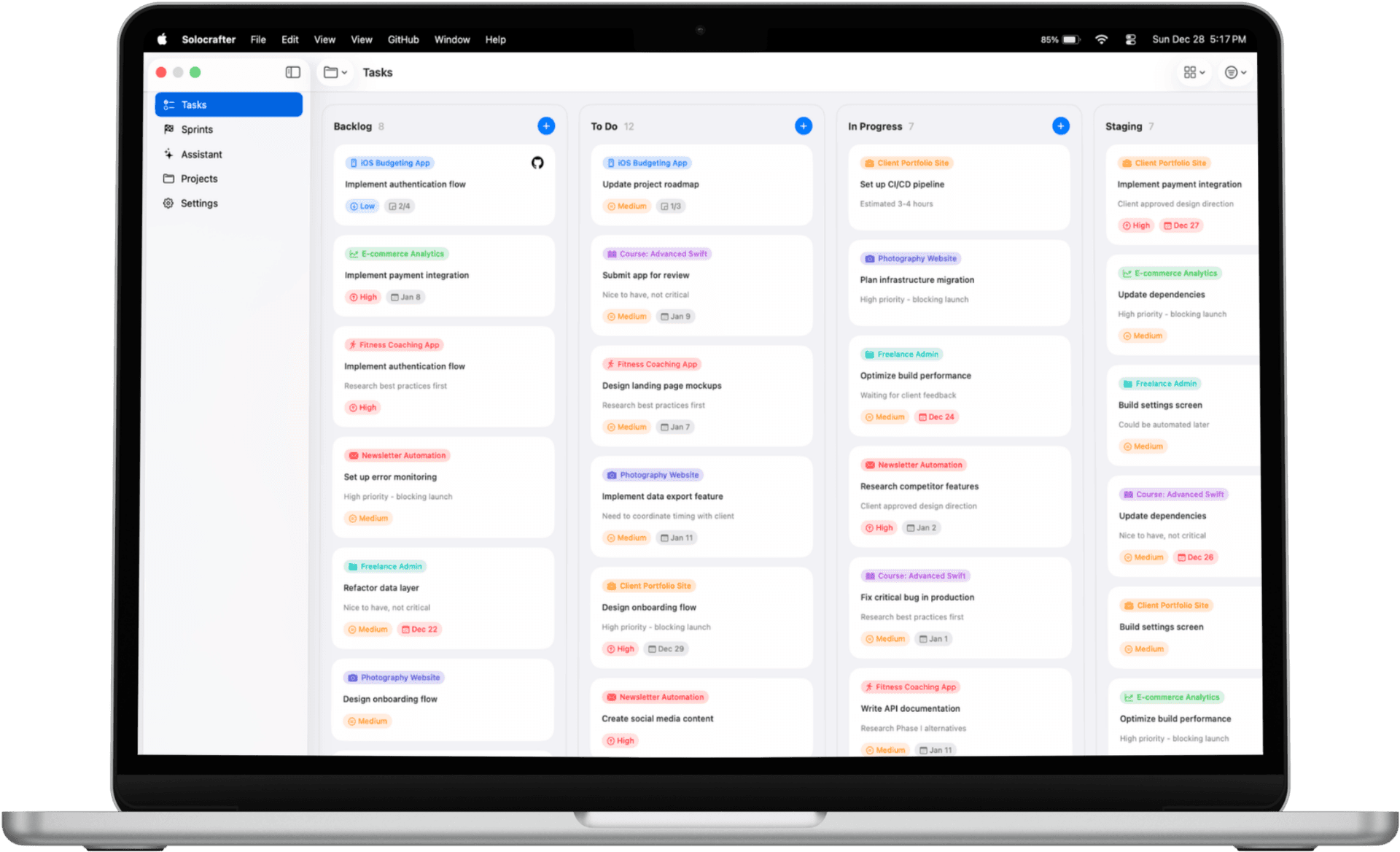
Everything You Need to Stay Organized
No bloated features. No team pricing. Just the tools solo professionals actually need.
Get Organized Fast
- • AI creates tasks from natural language—just describe what you need
- • Visual Kanban boards or simple lists—your choice
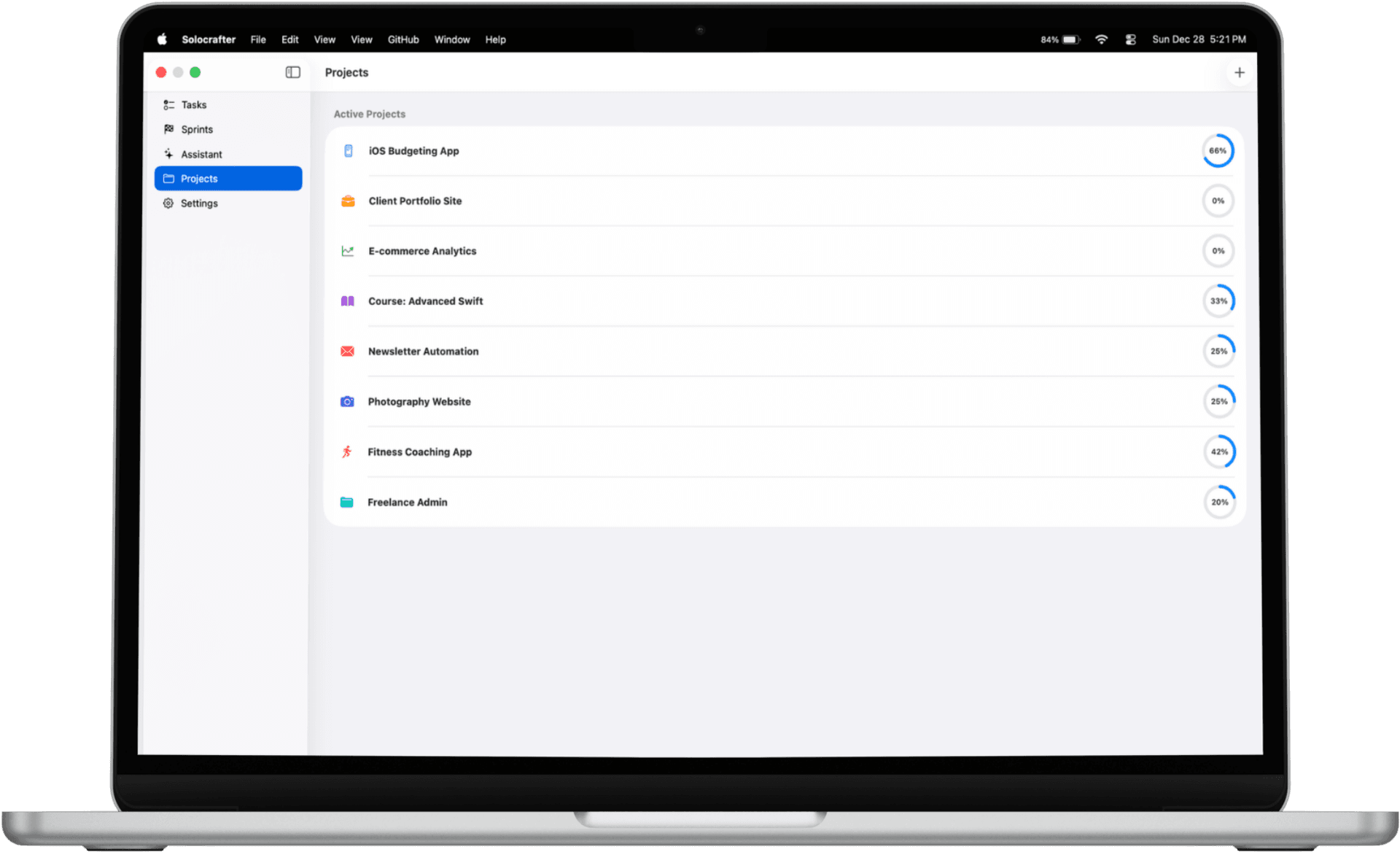
- • Color-coded projects for different clients or areas
- • Find any task instantly with powerful search
Never Miss a Deadline
- • Due dates with smart reminders before deadlines hit
- • Priority levels to know what needs attention first
- • Today view shows exactly what to focus on
- • Calendar sync with Apple Calendar
Track Your Time
- • One-click timer on any task—start tracking instantly
- • See total hours per project for accurate billing
- • Track billable vs. non-billable work
- • Perfect for freelancers who bill by the hour
Work Anywhere, Even Offline
- • Full functionality without internet connection
- • iCloud sync when you reconnect—automatic and private
- • Start on Mac, continue on iPhone or iPad
- • Your data stays in YOUR iCloud—not third-party servers
Built for How Solo Professionals Work
Whether you are juggling client projects, building a side business, or managing creative work—Solocrafter adapts to your workflow.
Freelancers & Consultants
Juggling multiple clients? Create a project for each, track hours for billing, and never mix up deliverables again.
Solo Developers
Build your side project without the complexity of Jira. Organize sprints, track bugs, and ship features faster.
Creative Professionals
Writers, designers, content creators: organize your creative chaos with visual boards and deadline tracking.
Your Data Stays Yours
Unlike cloud-first apps that store everything on their servers, Solocrafter keeps your data local and private.
- All data stored locally on your Mac
- Syncs via YOUR personal iCloud account
- No third-party servers access your tasks
- Never used for AI training or sold to advertisers
Frequently Asked Questions
How do I organize multiple projects as a solo professional?
Solocrafter lets you create unlimited projects, each with its own color and icon. Use visual Kanban boards to see all your tasks at a glance, or switch to list view for detailed planning. AI helps you capture and organize tasks naturally—just describe what you need to do.
How is Solocrafter different from Things, Todoist, or Apple Reminders?
Unlike complex team tools or basic reminder apps, Solocrafter is built specifically for solo professionals. You get AI-powered task creation, built-in time tracking for client billing, and visual project management—without team features you will never use. It syncs via iCloud with no separate account required.
Can I track time for client billing?
Yes. Solocrafter includes built-in time tracking. Start a timer on any task with one click, track total hours per project, and see exactly how long work takes. Perfect for freelancers and consultants who bill by the hour.
Does it work offline and sync across my Apple devices?
Absolutely. Solocrafter works completely offline—your tasks are stored locally on your Mac. When you have internet, everything syncs automatically via iCloud to your iPhone and iPad. No third-party servers, no separate account required.
Is Solocrafter free to use?
Solocrafter offers a generous free tier that includes core features. Premium unlocks unlimited projects, advanced time tracking, and more. No credit card required to start—download from the App Store and try it free.
What keyboard shortcuts are available?
Solocrafter includes powerful keyboard shortcuts designed for Mac workflows. Quickly create tasks, navigate between projects, mark items complete, and manage your workflow without touching the mouse. Perfect for developers and power users who prefer keyboard-driven productivity.
Ready to Finally Get Organized?
Join thousands of solo professionals who ditched bloated team tools for a task manager that fits how they actually work.

Free to download • No credit card required • Cancel anytime