Sync Tasks with Your Apple Calendar
See your tasks alongside meetings. Use time blocking to schedule focused work. Never miss a deadline with calendar reminders.

Available on iPhone, iPad, and Mac • Syncs via iCloud
Tasks Meet Your Schedule
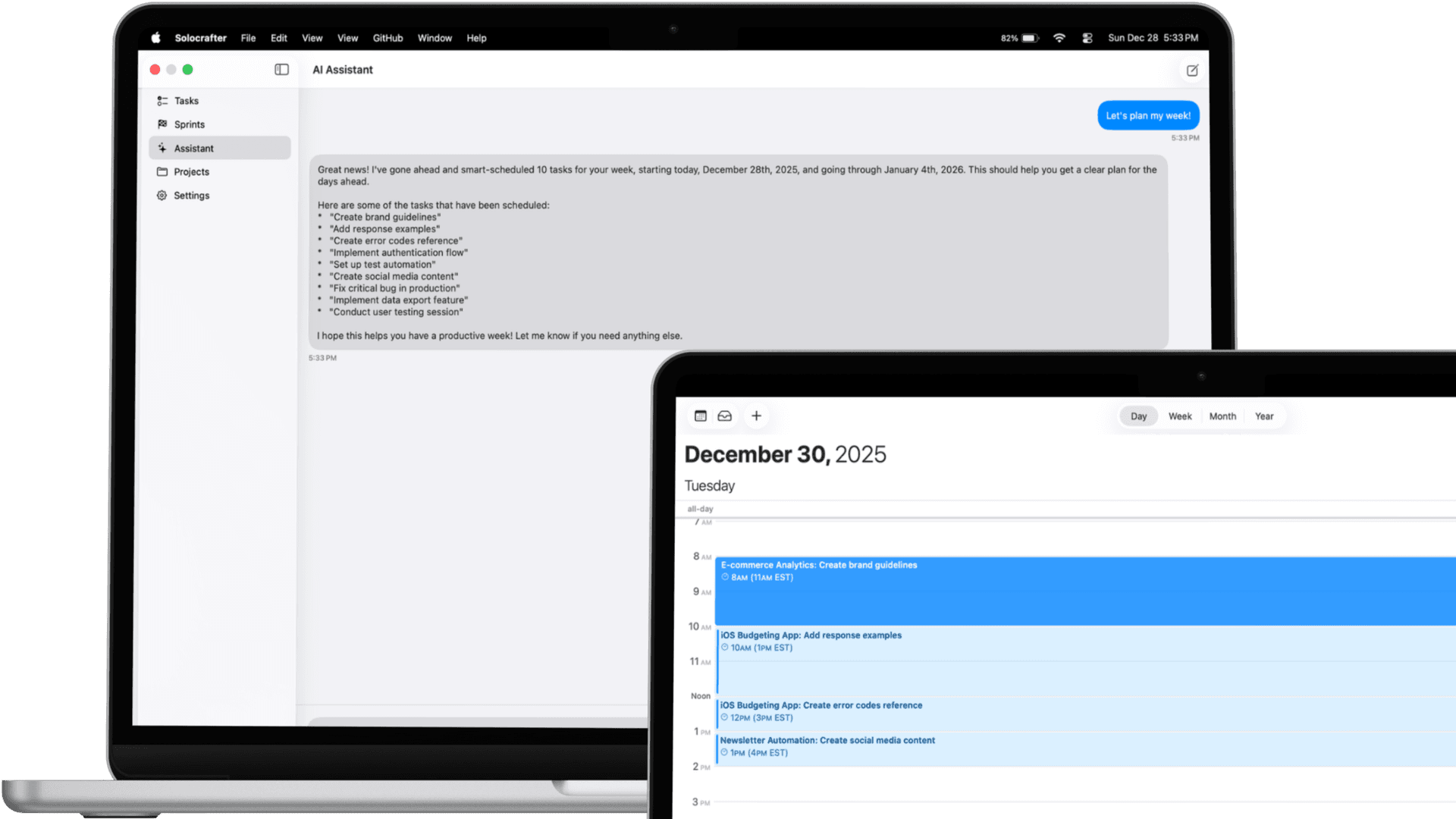
When you set a due date on a task, it automatically appears in your Apple Calendar. Plan your day with full visibility of both meetings and tasks.
- Tasks with due dates sync automatically
- See tasks as calendar events
- Get calendar reminders for task deadlines
- Syncs across all your Apple devices
Why Calendar Sync Matters
See everything in one place and plan your time effectively
Complete Visibility
See tasks and meetings in one view. Know exactly what your day looks like before committing to new work.
Time Blocking
Schedule focused work blocks by seeing when tasks are due. Protect time for important work alongside meetings.
Deadline Reminders
Get calendar notifications for upcoming task deadlines. Never miss an important due date.
iCloud Sync
If you use iCloud Calendar, your synced tasks appear on iPhone, iPad, Mac, and even Apple Watch.
Perfect for Time-Conscious Professionals
Consultants
Balance client meetings with project deliverables. See task deadlines alongside your meeting schedule.
Freelancers
Manage multiple client deadlines in your calendar. Know when you have capacity for new work.
Students
See assignment deadlines in your class schedule. Plan study sessions around lectures and activities.
Frequently Asked Questions
How does Solocrafter sync with Apple Calendar?
When you enable calendar sync in settings, tasks with due dates automatically appear in your Apple Calendar. You can see them alongside your meetings and other events.
Do I need iCloud for calendar sync?
Calendar sync works with your local Apple Calendar app. If you use iCloud Calendar, your synced tasks will also appear on all your Apple devices.
Can I use time blocking with Solocrafter?
Yes! When tasks appear in your calendar, you can see exactly when you planned to work on them. This makes time blocking easy and visual.
Will I get reminders for task deadlines?
Yes, when tasks sync to your calendar, you'll receive calendar notifications based on your calendar app's reminder settings.
See Your Tasks in Your Calendar
Start syncing tasks with Apple Calendar today

Calendar sync included in all plans • No credit card required