Backup & Restore Your Tasks
Export your data anytime. Restore from backups with flexible merge options. Migrate between devices with ease.

Available on iPhone, iPad, and Mac • Premium feature
Complete Data Control
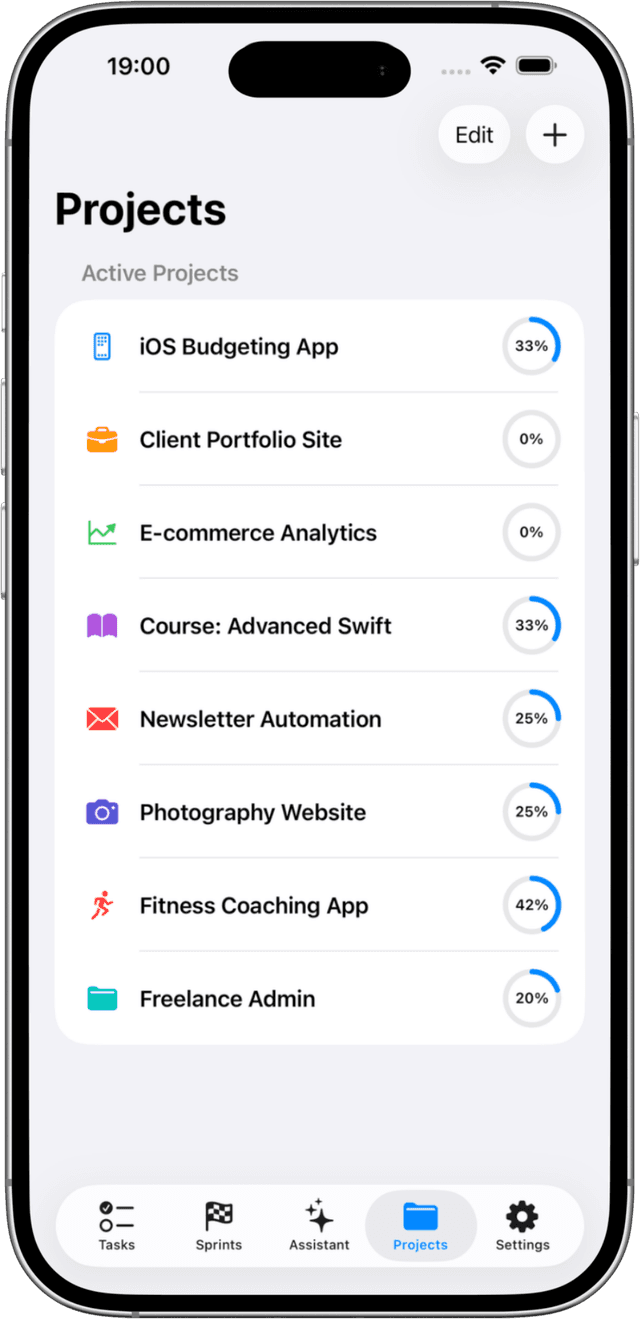
Solocrafter gives you full control over your data. Create backups whenever you want, store them wherever you choose, and restore with confidence.
- Export all tasks, projects, and settings
- Save to iCloud Drive, Files, or any location
- Restore with flexible merge strategies
- Migrate between devices easily
Why Backup Matters
Peace of mind knowing your productivity data is always safe
Data Security
Keep a copy of your tasks outside the app. Store backups in your own cloud storage or local files for extra security.
Device Migration
Getting a new device? Export from your old device and import to your new one. All your tasks travel with you.
Flexible Restore
Choose how to restore: replace everything, merge with existing data, or skip duplicates. You're in control.
Archive Old Data
Keep historical backups of your completed work. Great for records, reporting, or just looking back at what you've accomplished.
Common Use Cases
New Device Setup
Upgrade to a new iPhone, iPad, or Mac? Backup and restore makes setup seamless.
Regular Backups
Create periodic backups of your task data. Keep copies safe in your preferred storage.
Project Archives
Archive completed projects with full task history. Reference old work anytime.
Frequently Asked Questions
How do I back up my Solocrafter data?
Go to Settings > Backup & Restore > Create Backup. Your data is exported to a file you can save to Files, iCloud Drive, or share to any location.
What merge strategies are available when restoring?
You can choose to replace all existing data, merge with existing data (keeping both), or skip duplicates. This gives you full control over how backups are restored.
Can I migrate data between devices?
Yes! Create a backup on one device, transfer the file (via AirDrop, iCloud, email, etc.), and restore on another device. This works across iPhone, iPad, and Mac.
What's included in the backup?
Backups include all your tasks, subtasks, projects, tags, sprints, and settings. Everything you need to fully restore your Solocrafter experience.
Keep Your Data Safe
Start backing up your tasks with Solocrafter Premium

Backup & Restore is a Premium feature • Free trial available