The Best Task Manager for Designers
AI-powered design project management with Kanban workflows that match how you think. Track design stages from concept to final, organize client projects, and keep your creative work private.

Available on iPhone, iPad, and Mac • Free plan available
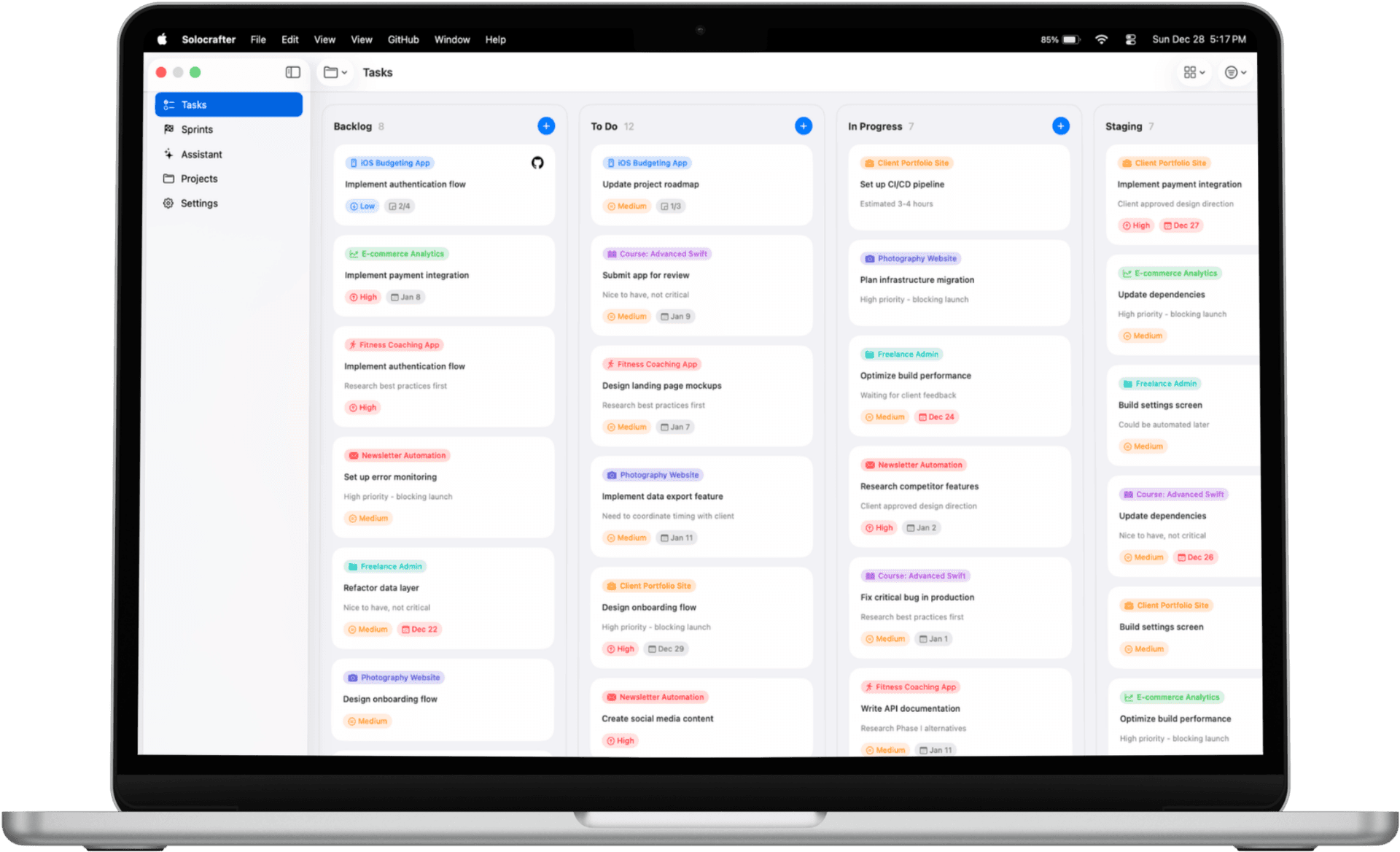
Kanban Boards Built for Design Thinking
Designers think visually. Your task manager should too. Solocrafter's Kanban boards let you visualize your entire design process.
- Concept → Wireframe → Design → Review → Final
- See your entire design pipeline at a glance
- Move tasks between stages with drag-and-drop
- Switch to list view for focused execution
Your Design Work Stays Private
Working with clients means handling sensitive information—brand redesigns, unreleased products, confidential mockups. Your task manager should respect that.
- All project data stored locally on YOUR devices
- Syncs through YOUR personal iCloud account
- Never used for AI training or analytics
- No third-party servers see your client details
Built for Solo & Freelance Designers
Most project management tools are built for engineers and product teams, not creative workflows.
Solocrafter is different—designed for how designers actually work.
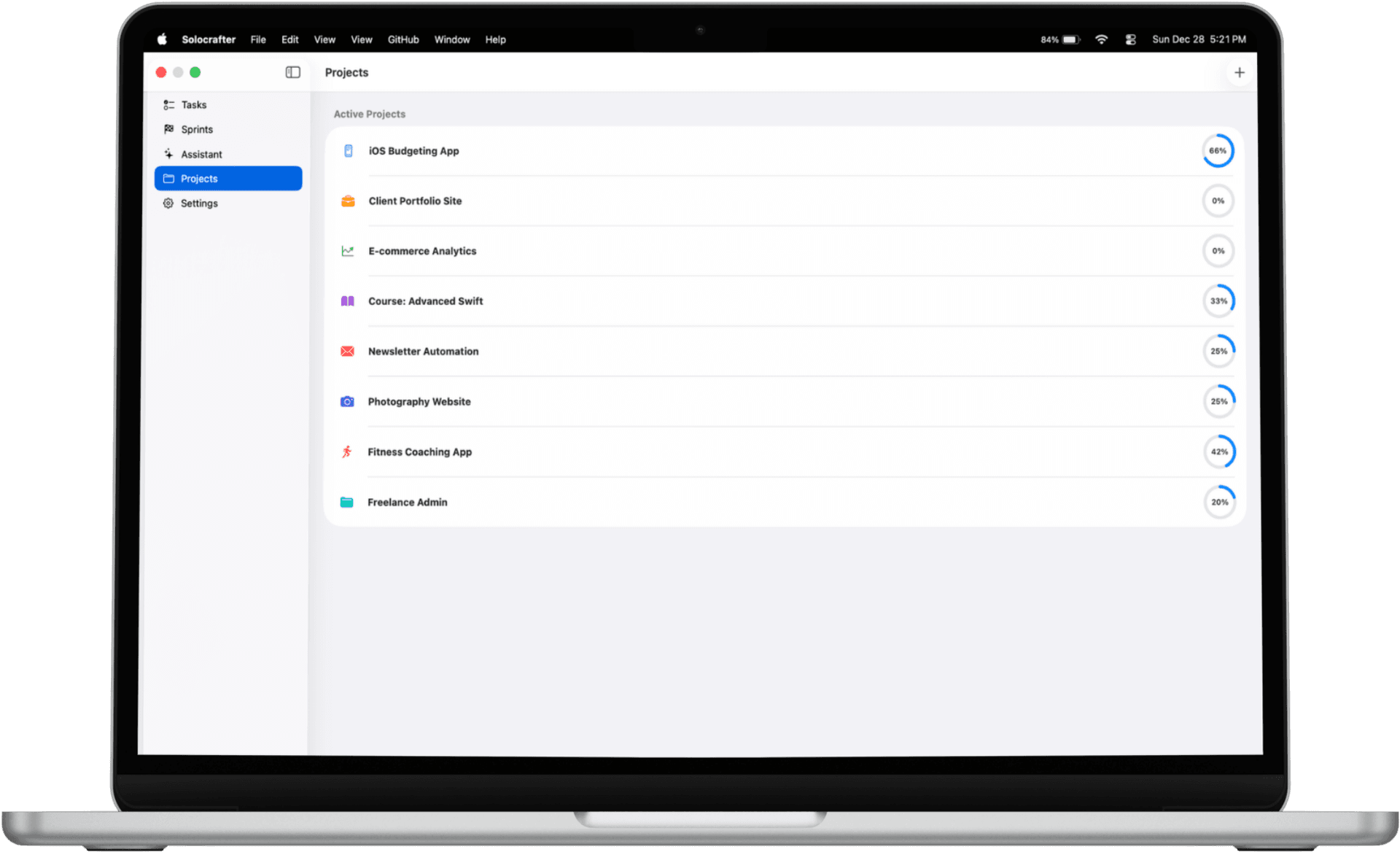
Multi-Client Project Organization
- • Separate projects for each design client
- • Custom colors and icons for instant recognition
- • Keep brand work, product design, and print separate
AI-Powered Task Creation
- • "Create landing page hero section for Startup X by Tuesday"
- • AI extracts projects, due dates, and priorities
- • Capture design tasks naturally, without forms
Visual Kanban & List Views
- • Kanban for seeing your design pipeline
- • List view for focused task execution
- • Switch between views instantly
Track Design Deliverables
- • Never miss a client presentation deadline
- • Visual priority indicators for urgent revisions
- • See all upcoming deliverables at a glance
Perfect for Every Type of Designer
UI/UX Designers
Track user research, wireframes, prototypes, and usability testing phases across multiple products.
Graphic Designers
Manage brand identity projects, print collateral, social graphics, and client revisions in one place.
Illustrators & Visual Artists
Organize commissions, track sketch approvals, manage concept development and final delivery.
Frequently Asked Questions
What is the best task manager for designers?
The best task manager for designers should support visual workflows, protect client confidentiality, and integrate seamlessly with creative processes. Solocrafter offers Kanban boards perfect for design stages (concept → wireframe → design → review → final), AI-powered task creation, and complete privacy for client work.
How do designers organize their projects and tasks?
Designers organize projects by creating separate workspaces for each client with custom colors and icons. Use Kanban boards to visualize design stages—move tasks from concept to wireframe to design to review to final. This visual approach matches how designers naturally think about their workflow.
Can I keep my design client work private and secure?
Yes. Solocrafter stores all your design project data locally on your devices and syncs via your personal iCloud account. No third-party servers ever access your client information, mockups, or project details—ensuring complete confidentiality for sensitive design work.
Is there a task manager that works well for design workflows?
Solocrafter is designed for creative workflows. Use Kanban boards to visualize your design process stages, organize tasks by project phase, and track deliverables. The flexible board view lets you see your entire design pipeline at a glance, while list view helps you focus on execution.
How can solo designers manage multiple client projects efficiently?
Create separate projects for each client with distinct colors and icons for quick visual recognition. Use AI to quickly capture tasks like "finish hero section design for Acme by Thursday" and have it automatically extract due dates and priorities. Switch between client projects instantly and track all deadlines in one place.
Focus on Design, Not Task Management
Join designers who've switched to a task manager that respects their creative workflow and client privacy.

Free to download • No credit card required • Cancel anytime