Task Manager Built for the Apple Ecosystem
Seamless iCloud sync across iPhone, iPad, and Mac. No separate account needed. Your data stays private in your iCloud. Native Apple design that feels right at home.

Available on iPhone, iPad, and Mac • Free plan available
True Native iCloud Sync
Unlike web-based tools that store your data on their servers, Solocrafter uses native iCloud integration—just like Notes, Reminders, and other built-in Apple apps.
- No separate account or login required
- Works with your existing iCloud storage
- Instant sync across all your Apple devices
- Protected by Apple's security and encryption
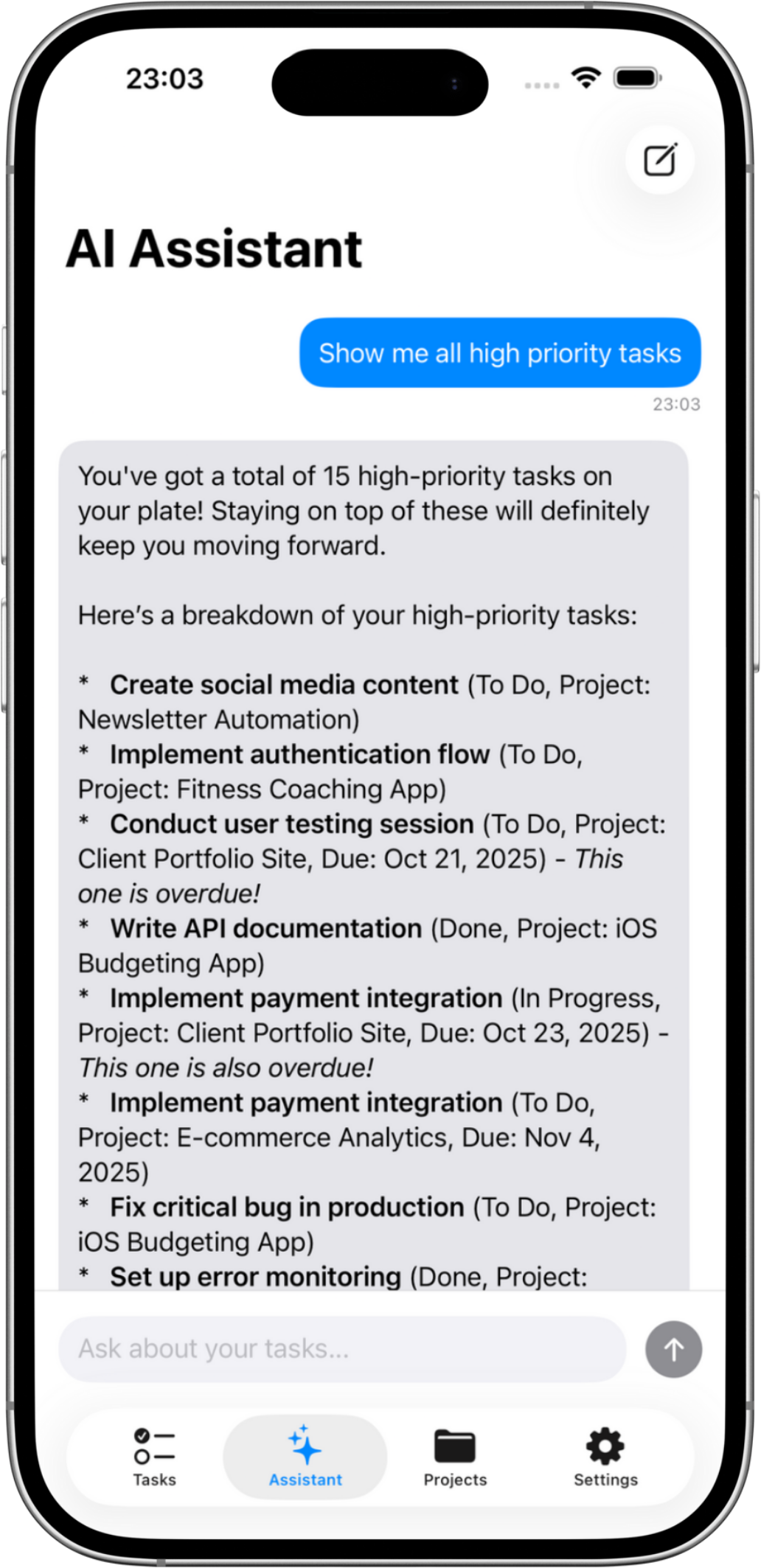
Designed for How You Work on Apple Devices
Most productivity apps feel like web apps wrapped in a native shell. They ignore Apple's design principles and force you to manage yet another account.
Solocrafter is built from the ground up as a native Apple app.
Seamless Cross-Device Experience
- • Start on iPhone, continue on iPad or Mac
- • Automatic handoff between devices
- • Changes appear instantly everywhere
Privacy by Design
- • Data stored in your iCloud, not our servers
- • End-to-end encryption by Apple
- • No tracking or third-party analytics
Native Apple Design
- • Follows Apple Human Interface Guidelines
- • Native gestures and interactions you know
- • Feels like it belongs on your device
Works Offline First
- • Full functionality without internet
- • Tasks stored locally on your device
- • Automatic sync when connection returns
Built for iPhone, iPad, and Mac
iPhone
Capture tasks on the go with quick entry, voice input, and optimized for one-handed use.
iPad
Larger canvas for planning with split-view support, keyboard shortcuts, and Apple Pencil integration.
Mac
Full desktop power with menu bar integration, keyboard navigation, and multi-window support.
Frequently Asked Questions
Does this task manager sync with iCloud?
Yes. Solocrafter uses native iCloud sync to keep your tasks in perfect sync across all your Apple devices—iPhone, iPad, and Mac. Changes appear instantly on all devices, and everything syncs automatically in the background.
Do I need to create a separate account for iCloud sync?
No. Solocrafter uses your existing iCloud account that's already set up on your Apple devices. There's no sign-up process, no new account to manage, and no additional login credentials to remember.
Where is my task data stored with iCloud sync?
Your task data is stored locally on your devices and in your personal iCloud account—never on third-party servers. This means you maintain complete control and privacy over your data, protected by Apple's security infrastructure.
Can I use handoff to continue tasks between my iPhone and Mac?
Yes. Solocrafter supports seamless handoff between all your Apple devices. Start working on your iPhone, and pick up exactly where you left off on your iPad or Mac—no manual syncing required.
What happens if I don't have internet connection?
Solocrafter works completely offline. All your tasks are stored locally on your device, so you can create, edit, and complete tasks anywhere—even without internet. Changes sync automatically to iCloud when you're back online.
Experience Native Apple Productivity
Join Apple users who've found a task manager that truly integrates with their ecosystem—no compromises, no separate accounts.

Free to download • No credit card required • Cancel anytime